
No ACL setup yet! Denying access to everyone.
en:edu:zmitac:macro:embedeed:lab:stm32-intro
Table of Contents
STM32 Introduction
Our lab will be performed in a Visual Studio Code environment. The best way to create a new project is to import a ready example. This can be done with the following steps.
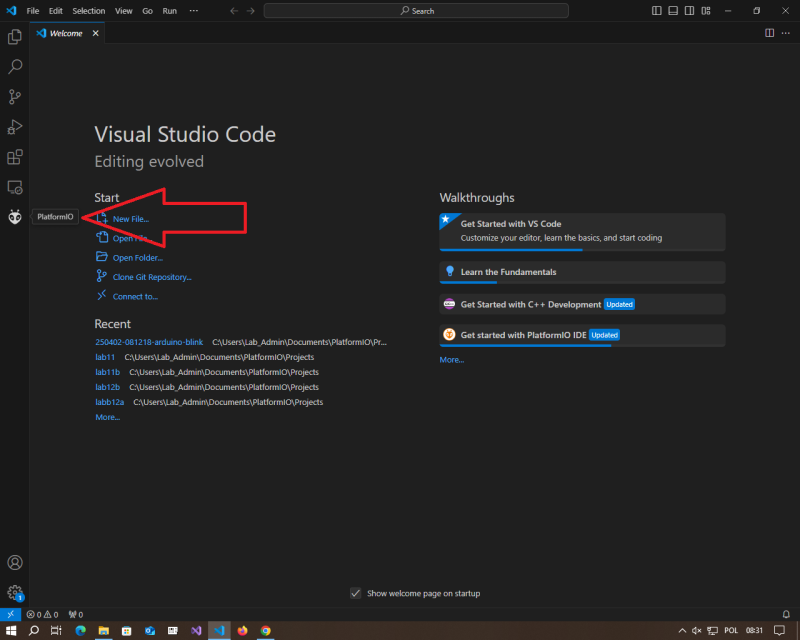
Opening PlatformIO
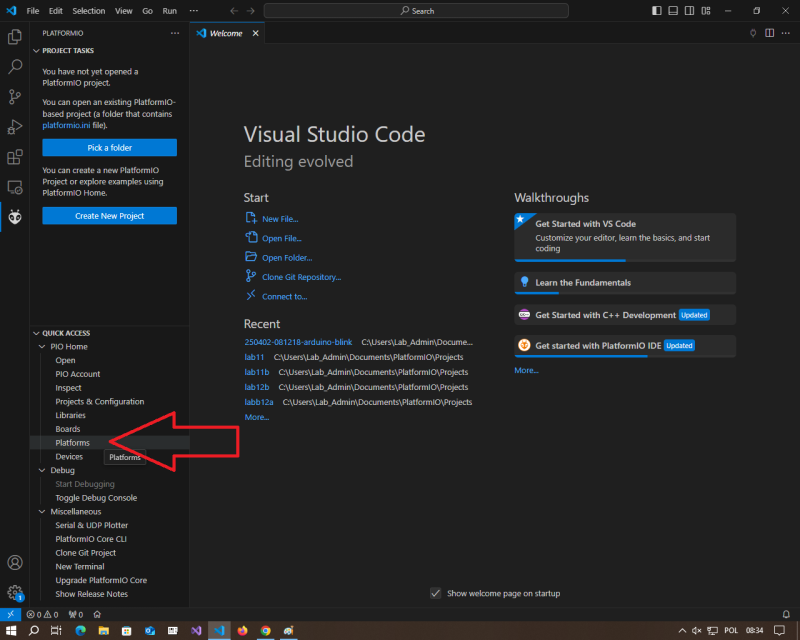
Choosing the hardware platform
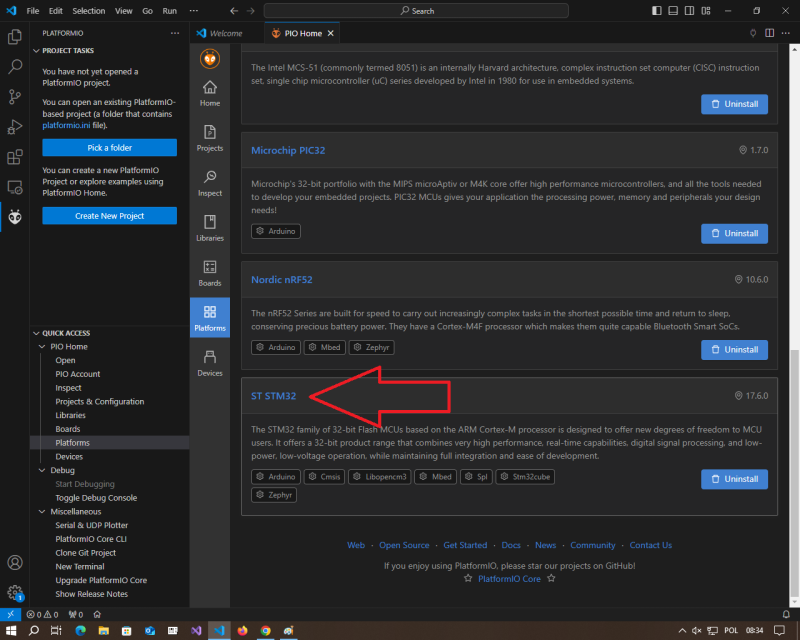
Selecting the STM32 platform
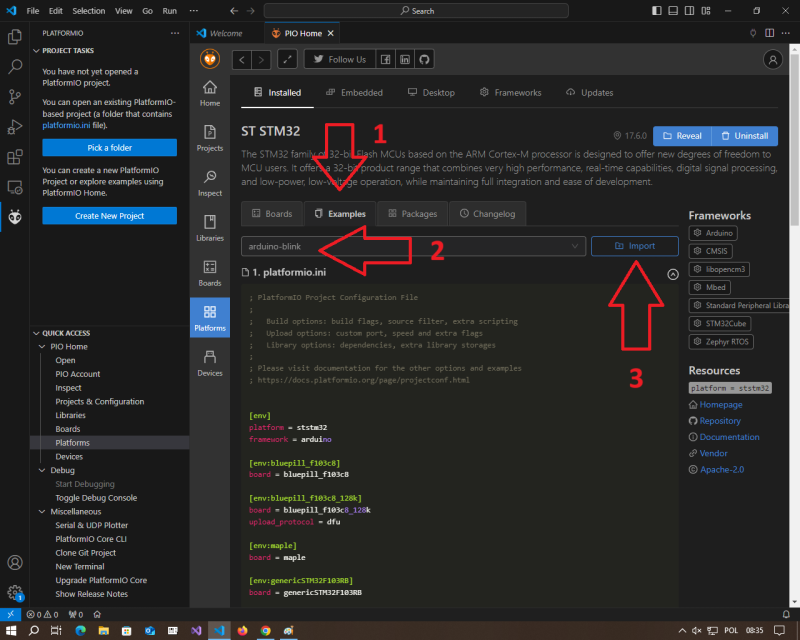
Selecting the example
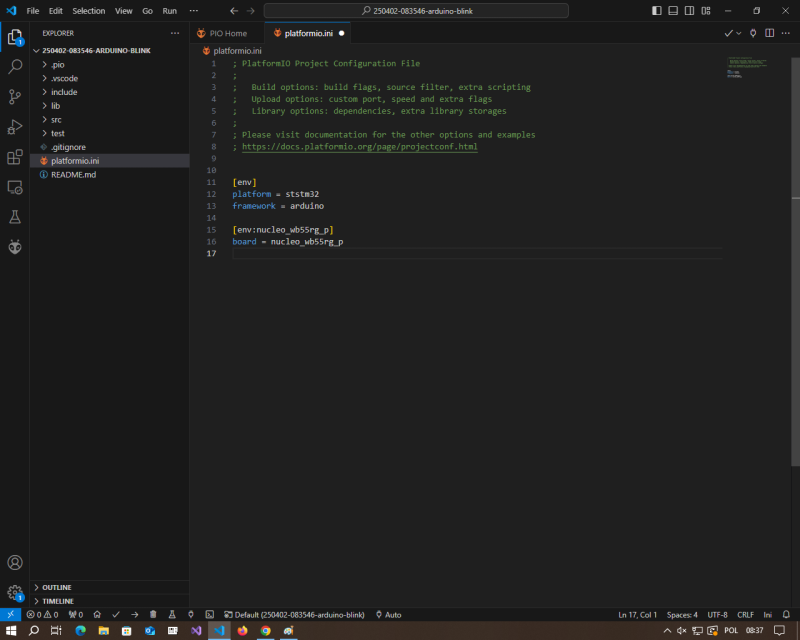
Adjusting the platformio.ini file
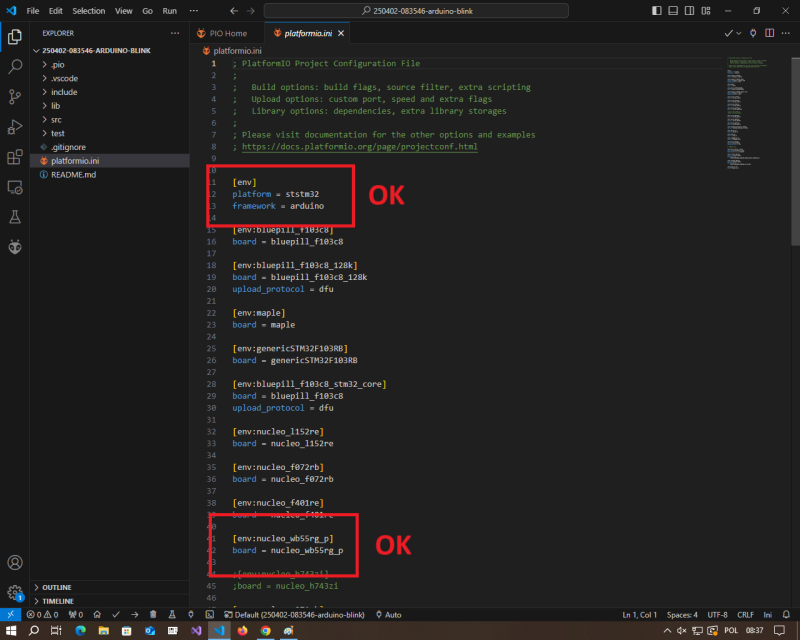
Final platformio.ini file should look like this
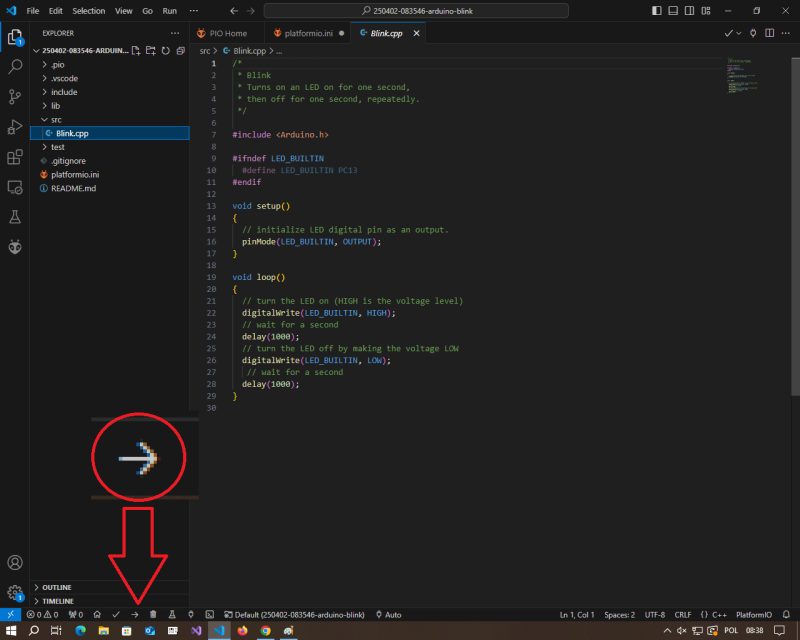
Compiling and uploading the executable
en/edu/zmitac/macro/embedeed/lab/stm32-intro.txt · Last modified: by ktokarz